Back to Help Center
Reports & Export
5 min read
Review dashboard evidence and export CSV records for internal review, advisor review, or record-keeping.
Open Reports & evidence
The current merchant-facing report surface is Reports & evidence.
- Open Reports & evidence from the compliance workspace.
- Review the Compliance report summary.
- Use Audit trail & exports to filter and review records, refresh the table, and download CSV files.
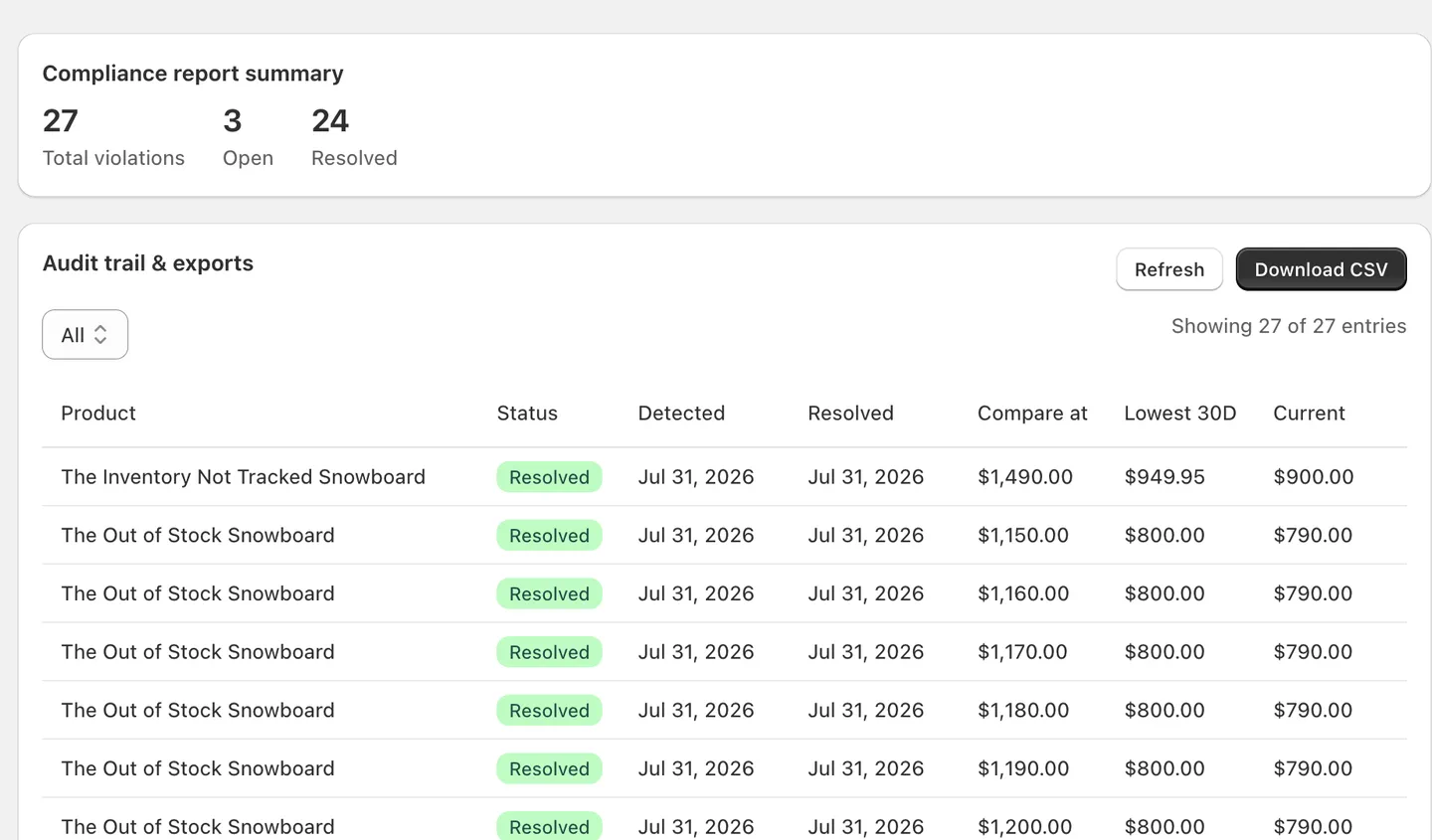
The summary currently shows Total violations, Open, and Resolved.
Use the current filters and table
The audit trail table supports the current launch workflow without requiring separate export products.
- Filter by status: All, Open, or Resolved
- Current visible columns: Product, Status, Detected, Resolved, Compare at, Lowest 30D, Current
- Refresh and Download CSV actions
CSV export
The launch version exposes one verified CSV export action from the reports screen.
If the screen contains more than 50 report entries, the page can show only the latest visible set while the CSV export provides the broader audit trail.
Best practice:
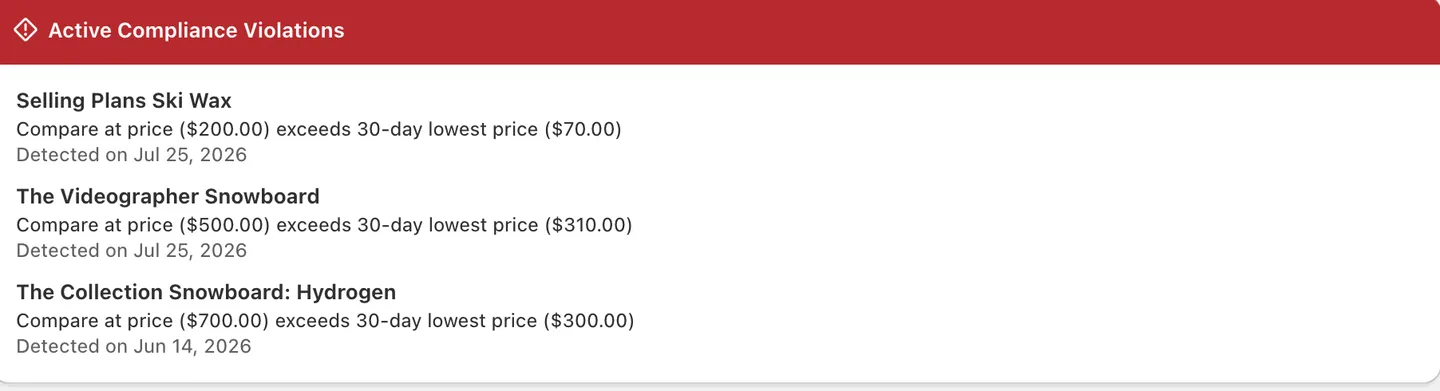
Use Dashboard overview for the quick launch summary and Reports & evidence for the detailed audit trail and CSV download.
Last updated: August 2, 2026 View FAQ